After Someone Presses Send: A Clearer Website Enquiry Experience
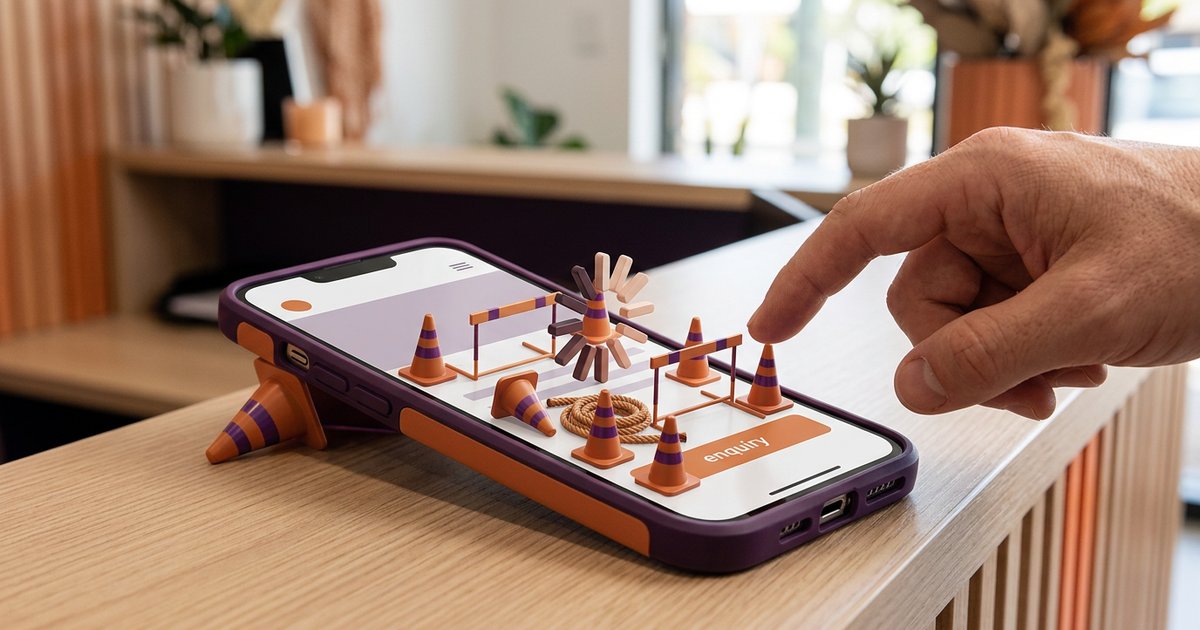
Someone has read your service page, decided to get in touch and filled out your form. They press Send. What do they see next?
That small moment deserves some attention. A blank form, a vague message or an unexplained return to the homepage leaves the customer to work out whether anything happened. A clear confirmation gives the enquiry a useful ending and sets up the conversation that follows.
For a small service business, start with three questions: did the message go through, who will respond, and what happens next?
Confirm what actually happened
The message after submission should describe the action the system has completed. If the enquiry was accepted, say so clearly. If something failed, explain the problem and offer a sensible alternative.
Keep the distinction between an enquiry and a booking visible. A request for a particular day is not a confirmed appointment unless your system and business process actually reserve it. The same applies to a quote request: receiving the details does not mean the work has been priced or accepted.
Avoid a confirmation that creates a commitment your team still needs to discuss. A short, accurate sentence is more helpful than an enthusiastic message that leaves the wrong impression.
Explain the next step in ordinary language
Think about the conversation you normally have after an enquiry arrives. Does someone call to clarify the job? Do you reply by email? Is a site visit needed before a quote can be prepared?
Give the customer the relevant next step. You do not need to explain the software behind it. Tell them what they can expect from the people in your business.
If you publish a response window, base it on what the team can reasonably support, including weekends and public holidays. A promise that sounds reassuring on the website can become confusing when nobody is available to meet it.
A small explanation can also prevent a mismatch. If availability still needs to be checked, say that. If the first response will ask for more detail, explain why that conversation is useful.
Use a short confirmation that fits your process
Here is an illustrative starting point, to adapt to your own business:
Thanks, your enquiry has been received. Our team will review the details and contact you using the information you supplied. Any requested date is subject to confirmation.
This is example wording, not a claim about a particular form or response time. Change it to match who responds and how they get in touch. Only display a success message after your system has accepted the submission.
If you send an acknowledgement email too, keep it consistent with the page. Use a recognisable sender and explain whether the customer can reply. Do not tell them to reply to an address nobody monitors.
Keep the message focused on their enquiry. A long sales pitch can bury the detail they were trying to confirm.
Make uncertainty easier to resolve
Read the confirmation on a phone. Is it visible without searching? Does the layout clearly show that submission has finished? Could a customer mistake an old message for a new confirmation?
If the form cannot send, preserve the useful information where practical and explain what to do next. A working phone or email option gives someone another way to reach you. Check those links rather than assuming they still point to the right place.
You can also explain a genuine limit before submission. If the form is not monitored for urgent requests, put the appropriate alternative where people will see it. Use this only when it reflects the service you provide.
Clear wording before the button matters too. Our guide to writing more useful website button labels covers that earlier part of the journey.
Check the message and the delivery
A good-looking confirmation does not establish that the enquiry reached the person who needs to answer it. Those are separate checks.
Arrange a clearly labelled test with whoever receives the enquiries. Submit it from a phone, read the on-screen message, check any acknowledgement, and confirm that the intended person received enough information to respond. Use test details and avoid including sensitive customer information.
Record anything unclear, including a missing service choice or a message that promises the wrong next step. If the website is being moved, the email, forms and enquiry migration guide covers the separate delivery and connection checks involved in that change.
You may only need a wording or layout update. If the issue is part of a wider website redesign, include the enquiry handover in the brief so it is considered alongside the pages leading into it.
Want to make the first conversation clearer? Talk directly with Mark at Spray Media. Send your website link and explain what you would like a customer to understand after they press Send.

Written by
Mark SprayMark is the founder of Spray Media, a Gold Coast web design and digital marketing agency. With over 100 projects delivered and consistent 5-star reviews, he helps small businesses and tradies get more customers through websites that actually rank on Google. Before Spray Media, Mark built a national weighted blanket company recognised in Australian Parliament for its community employment initiatives.