Will My Website Go Down During a Redesign? What Small Businesses Need to Know
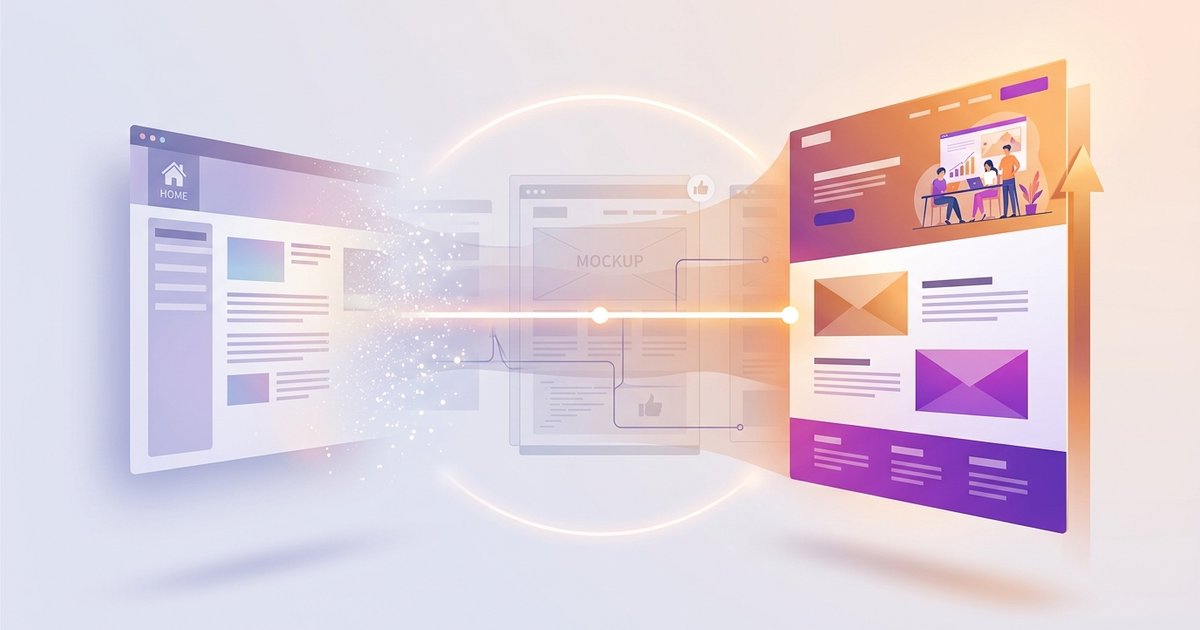
Your site stays live. Here is how it works.
One of the first things business owners ask is whether their website will go offline during a redesign. It is a fair question. Your website is bringing in enquiries, showing your services and doing the job of a full-time salesperson. You do not want it disappearing while a new one gets built.
The short answer is no. Your current site does not need to go down. But that only holds true when the project is planned properly from the start.
The new site gets built separately
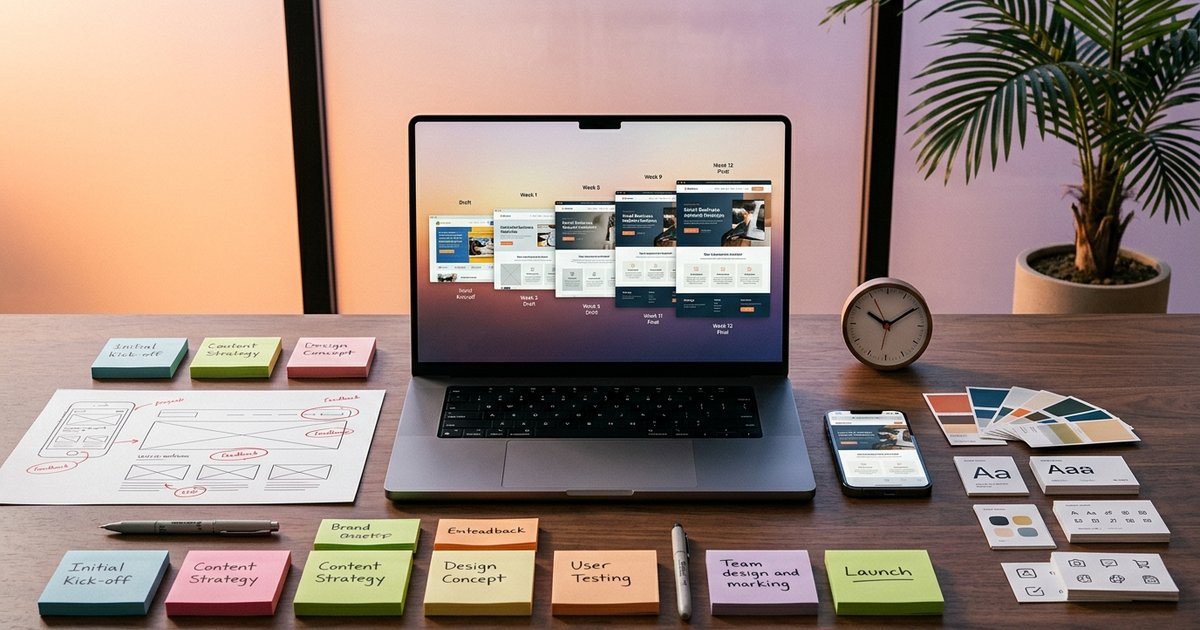
A proper redesign is built on a staging site. This is a private version of your new website that sits on a development server, completely separate from your live site.
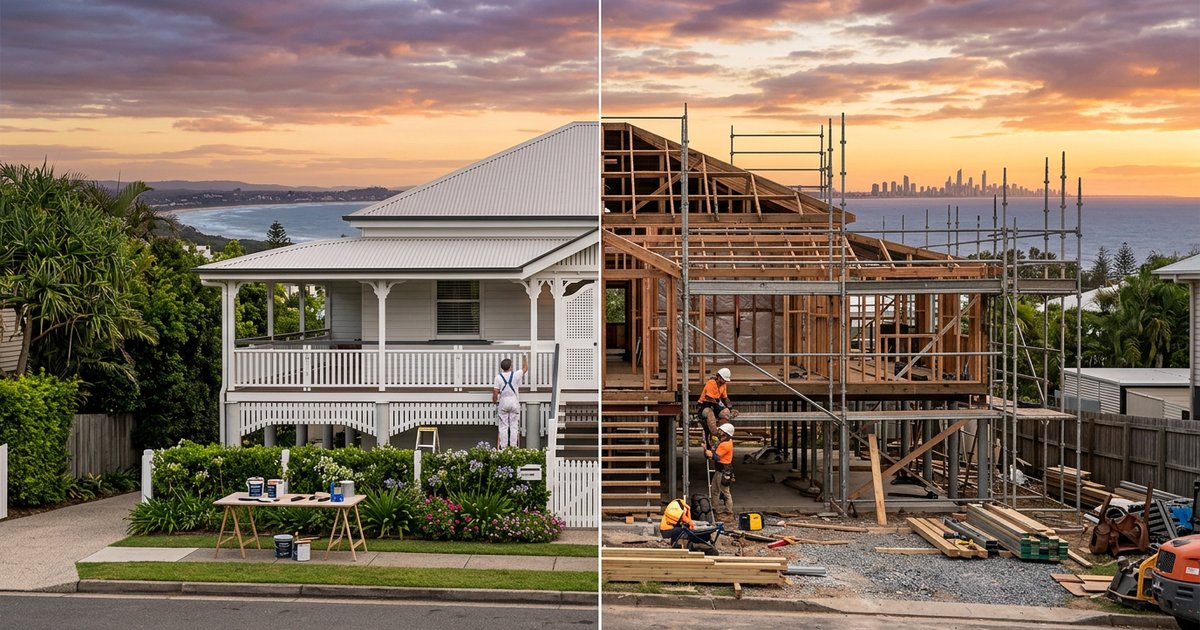
While the new version is being designed, built and tested, your current website keeps running as normal. Visitors can still find you, contact you and place orders. Nothing changes on the front end until everything is ready to go.
What gets tested before anything goes live
Before anything switches over, the staging site goes through a full round of checks. This includes contact forms, phone number links, page speed, mobile layout, and any third-party tools like booking systems or live chat.
All your existing URLs get accounted for too. If a page changes address, redirects get set up so Google does not lose track of your content and visitors do not land on a broken page.
This step matters more than most people realise. A missed redirect or a broken form on launch day can cost you real enquiries.
The DNS switch: what actually causes the brief overlap
The moment people worry about most is the DNS change. This is when your domain name gets pointed from your old server to the new one. It sounds technical, but in practice it is a controlled step that happens right at the end.
DNS changes take time to spread across the internet. Usually between one and four hours, sometimes up to 24. During this window, some visitors see the old site and some see the new one depending on their location and internet provider.
This is normal and expected. Both versions are live during the transition. With the right preparation, neither shows broken content. It is not downtime. It is an overlap.
Poor planning is the real risk
Website downtime during a redesign is almost always caused by poor planning, not the redesign itself. Common problems include:
- Building directly on the live site instead of a staging environment
- Switching DNS before the new site has been fully tested
- Forgetting to migrate contact forms or custom settings
- Not checking mobile layouts before launch
- Missing redirects for pages that changed URLs
All of these are avoidable. They happen when a project is rushed or handed to someone without a clear process.
What launch day actually looks like
When we launch a redesigned website for a client, it is not a dramatic moment. By that point, the new site has been reviewed, tested and signed off. The DNS change gets scheduled for a low-traffic period, usually early morning or on a quiet weekday.
After the switch, we run through a post-launch checklist. Forms get tested with real submissions. Pages get checked on mobile. Google Search Console gets updated. Any last-minute issues get caught and fixed before the business owner starts their day.
For most of our clients, launch day is quiet. That is the goal.
What about moving to a completely different platform?
If you are moving away from WordPress, Wix or Squarespace to a custom-built site, the same principles apply. The new site gets built and tested first. The migration is planned around your content, your URLs and your traffic patterns.
Platform migrations have more moving parts, but they do not need more downtime. They need more preparation. If you want to understand what is involved in moving away from your current platform, that is worth mapping out before any work begins.
Questions worth asking before you start
If you are talking to a web designer about a redesign, here are a few things worth asking:
- Will the new site be built on a staging environment?
- How do you handle redirects for pages that change URLs?
- When do you test forms and integrations?
- How do you manage the DNS switch?
- What does your post-launch checklist cover?
If you get vague answers to any of those, that is worth paying attention to.
Want a redesign without the stress?
At Spray Media, we build custom-coded websites for Gold Coast businesses that load in under a second and are built to work with AI search tools like ChatGPT and Google AI. Every redesign we do follows a staged process so your current site stays live until the new one is ready.
If you are thinking about a redesign and want to know exactly what the process looks like for your business, talk to Mark and get a straight answer before anything starts.

Written by
Mark SprayMark is the founder of Spray Media, a Gold Coast web design and digital marketing agency. With over 100 projects delivered and consistent 5-star reviews, he helps small businesses and tradies get more customers through websites that actually rank on Google. Before Spray Media, Mark built a national weighted blanket company recognised in Australian Parliament for its community employment initiatives.