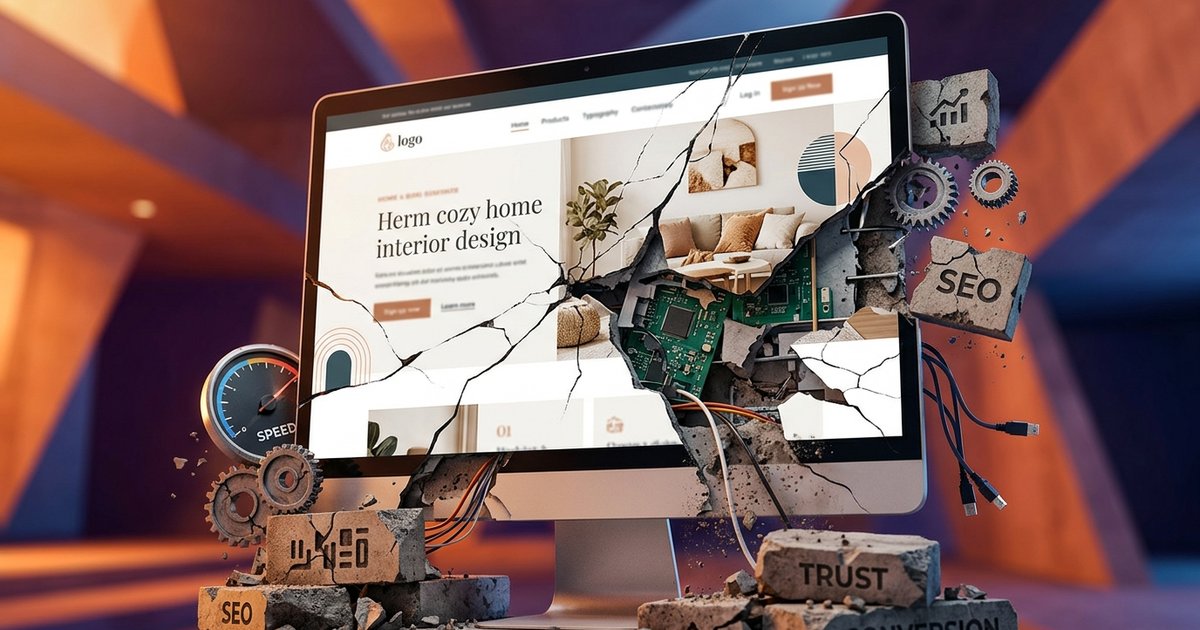
Can You Move from an Old WordPress Site Without Starting from Scratch?
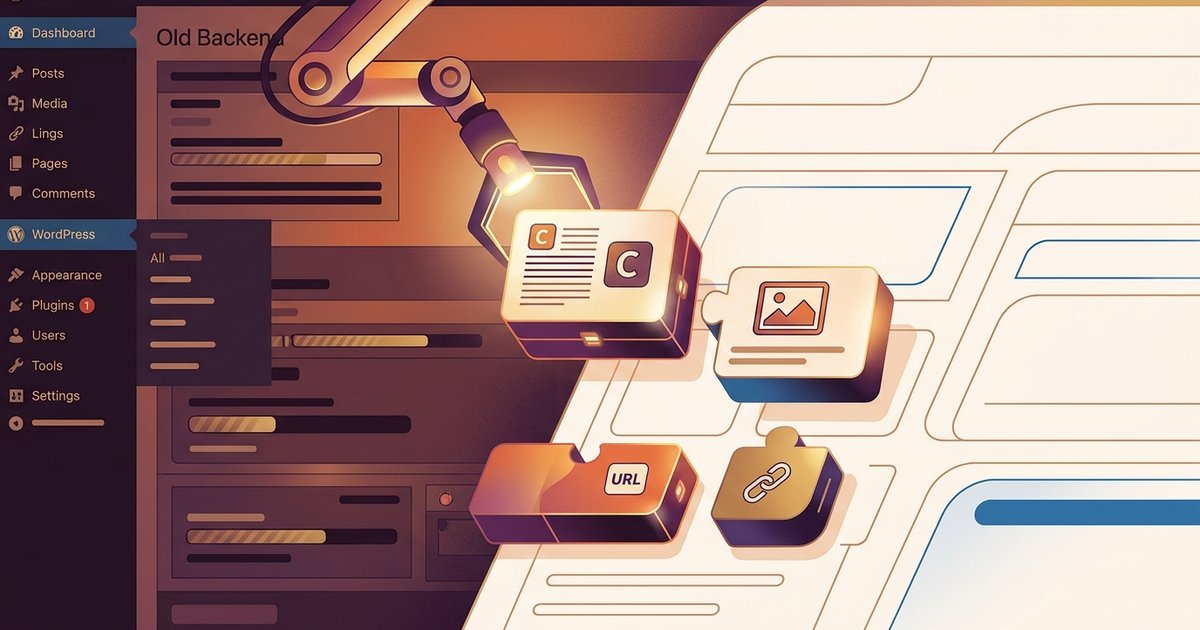
You do not always have to throw everything away
A lot of business owners come to us thinking a website redesign means starting from zero. That is rarely true. The real question is knowing what is worth keeping and what is quietly holding your site back.
If you are sitting on a WordPress site that is a few years old, slow to load or hard to update, this is for you.
What can usually be saved
Your content
Written content is almost always portable. Blog posts, service pages, about pages and contact details can be exported from WordPress and moved into a new build without much drama.
If your copy is still accurate and well-written, there is no reason to rewrite it just because you are rebuilding the site. Good content is good content.
Your images and media
Photos, logos and graphics you own can come with you. WordPress stores media in a straightforward folder structure, so moving it across during a website migration is a normal part of the process.
The exception is low-resolution images that were fine years ago but look soft on modern screens. Those are worth replacing rather than dragging forward.
Your URLs
This one matters more than most people realise. If your pages have built up any search ranking over time, keeping the same URL structure protects that. When URLs do need to change, proper redirects handle the transition cleanly.
A well-planned website rebuild keeps your existing URLs wherever possible and sets up redirects for anything that genuinely needs to move.
What tends to become a liability
Old themes
Most WordPress themes from five or more years ago were not built with today's performance standards in mind. They often carry bloated code, outdated page builders and styling that is hard to customise without breaking something else.
Trying to modernise an old theme is often more work than building fresh. It can also create compatibility issues with newer plugins and WordPress core updates.
Plugin overload
It is common to find older WordPress sites running 25 to 40 plugins, many of which have not been updated in years. Some are doing jobs that WordPress now handles natively. Others are solving problems that no longer exist.
Outdated plugins are one of the most common causes of security issues and slow load times. A rebuild is a good chance to audit what is actually needed and cut the rest.
Page builders with locked-in content
If your site was built with a visual page builder like Divi or WPBakery, your content might be wrapped in shortcodes that only make sense inside that builder. Moving that content to a new system can be messy.
This does not make migration impossible, but it does mean some pages need to be rebuilt manually rather than just copied across.
When a clean rebuild makes more sense
Sometimes the most practical path is a fresh build that imports your content rather than trying to patch what is there. This tends to be the right call when the existing site has structural problems, a confusing page hierarchy, or a theme that is too tangled to unpick cleanly.
A clean rebuild also gives you the chance to fix things you have been living with for years. Slow load times, poor mobile layouts, forms that do not work properly, navigation that made sense once but no longer reflects how your business actually works.
Starting fresh with your existing content loaded in is often faster and less expensive than it sounds. The content work is already done. What you are really replacing is the structure and the code underneath it.
A practical example
Say you run a trade business and your WordPress site is five years old. You have 10 service pages, a contact form, a handful of blog posts and a gallery. The content is solid but the site looks dated and loads slowly on mobile.
In most cases, the service page copy, blog posts and photos can all move across. The URLs can stay the same. What gets replaced is the theme, the page builder and the unnecessary plugins. The result is a faster, cleaner site that does not lose any of the ground it has already built in search.
Why move to a custom-coded site instead of another WordPress theme?
If your old WordPress theme is the problem, swapping it for a new one fixes the symptoms for a while. But you are still dealing with the same platform overhead: plugin updates, security patches, database bloat and performance trade-offs that come with WordPress.
A custom-coded site removes all of that. No plugins to break, no theme conflicts, no bloated page builders. Just clean code that loads fast and does exactly what your business needs it to do.
How Spray Media approaches this
We have worked through a lot of old WordPress builds. Before we recommend anything, we look at what is actually there: the content, the URL structure, the plugins, the theme and how the site is performing.
From there we give you a straight answer on what is worth keeping, what needs replacing and what the most practical path forward looks like. No overselling a full rebuild when a targeted fix will do. No patching things together when a clean build is clearly the better option.
If you have an old WordPress site and you are not sure what to do with it, talk to Mark. We are based on the Gold Coast and work with small businesses across Australia.

Written by
Mark SprayMark is the founder of Spray Media, a Gold Coast web design and digital marketing agency. With over 100 projects delivered and consistent 5-star reviews, he helps small businesses and tradies get more customers through websites that actually rank on Google. Before Spray Media, Mark built a national weighted blanket company recognised in Australian Parliament for its community employment initiatives.